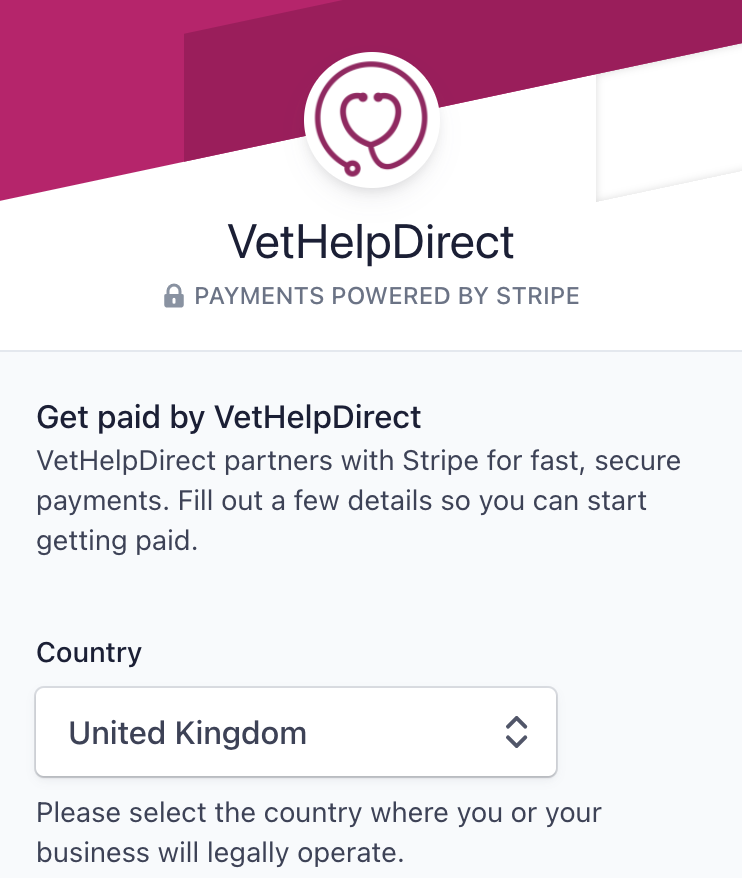
VetHelpDirect already partners with Stripe for fast, secure payments as standard on your behalf.
Optionally, sign up or use your existing Stripe 'Connect' account for even faster payments back to your clinic and to qualify for discounted transaction charges.
Note: Stripe only supports the Countries shown here: https://stripe.com/global
If you have any queries, please contact us here: https://vethelpdirect.com/vets/contact-us/
On desktop/laptop computer
1. Log in to your account as a practice admin
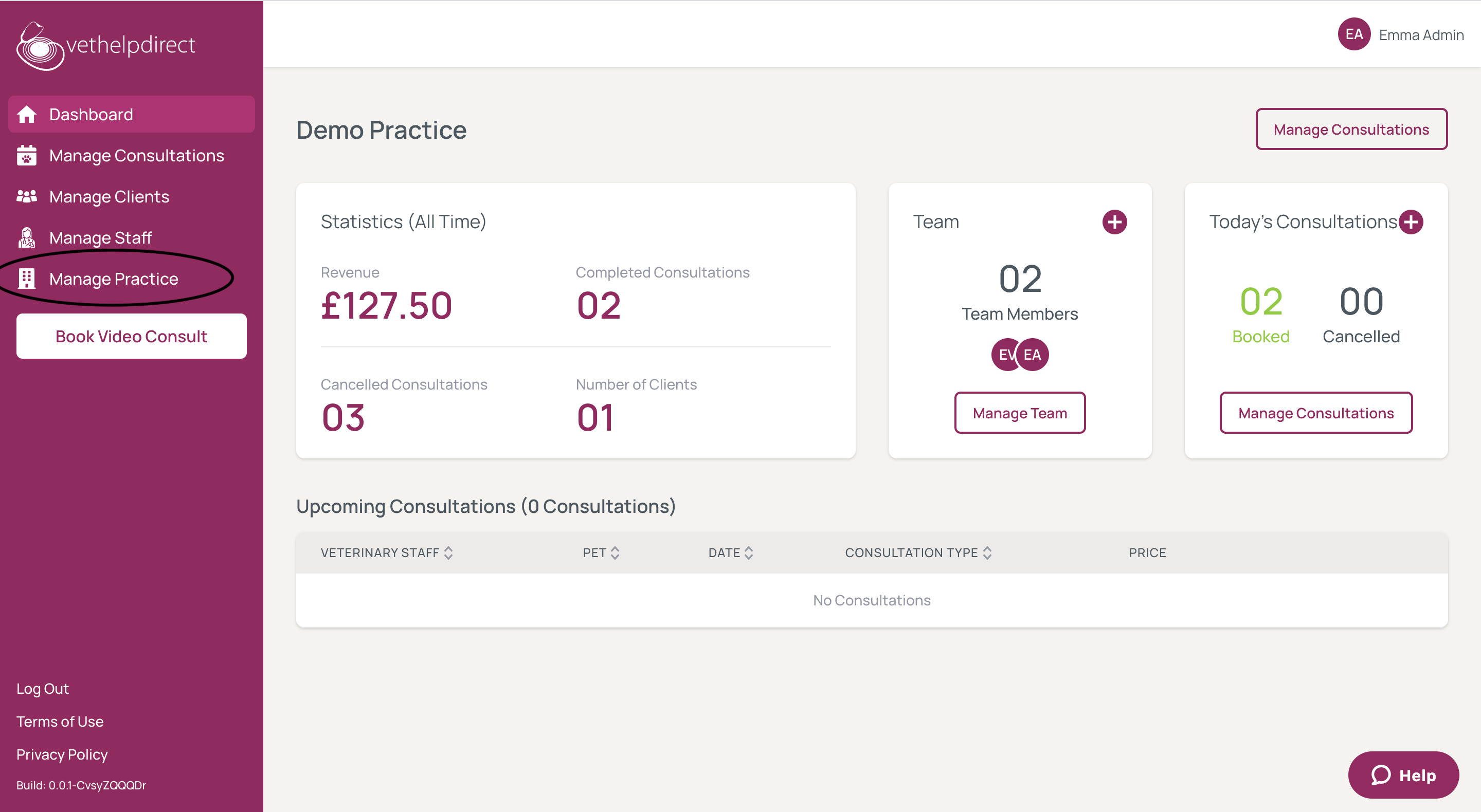
2. Click 'manage practice' from the menu along the left-hand side
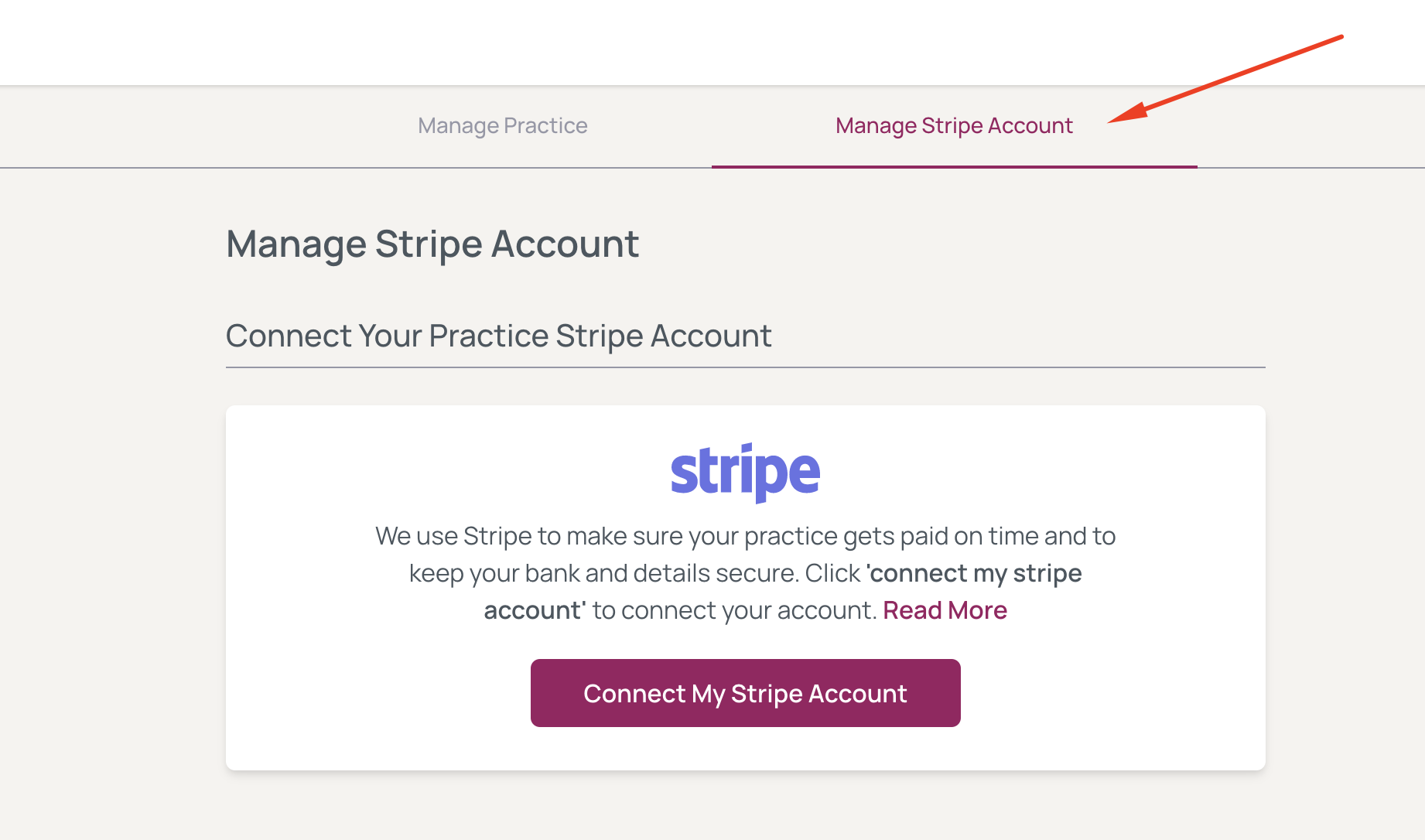
3. Select 'manage Stripe account' from the menu at the top of the screen, then click the 'Connect My Stripe Account' button below.
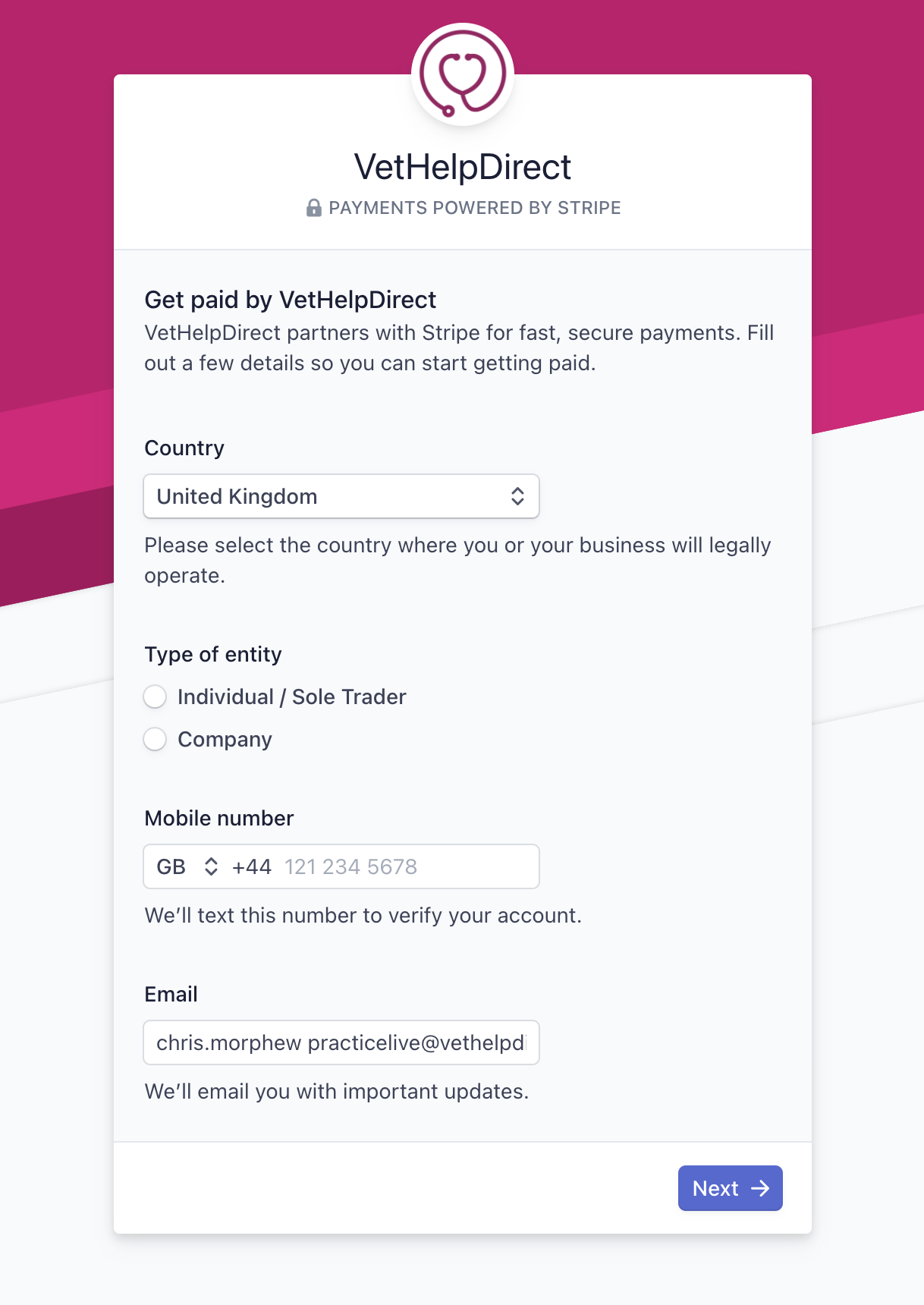
4. Enter your details and click 'next'. Follow the on-screen instructions. Please note: if you are using a pre-existing Stripe account please ensure that you enter the same email address.
On a mobile/tablet
The process is exactly the same as desktop/laptop above.
1. Log in to your account as a practice admin
2. Tap the menu button in the top left corner (you may have to scroll right to the top of the screen).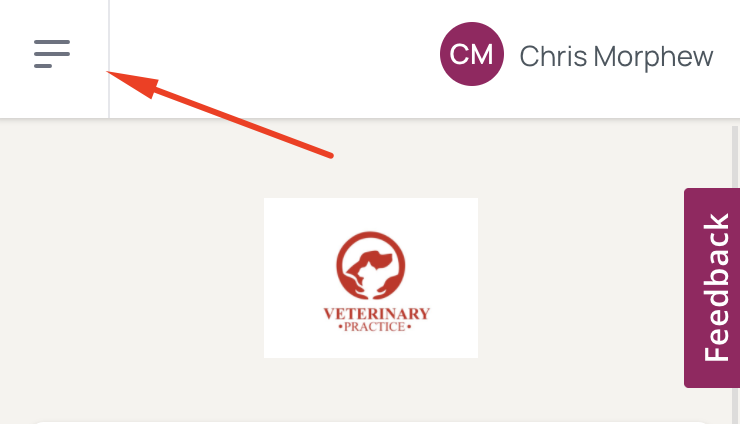
3. Tap 'manage practice' from the menu
4. Select 'Manage Stripe Account' from the menu at the top.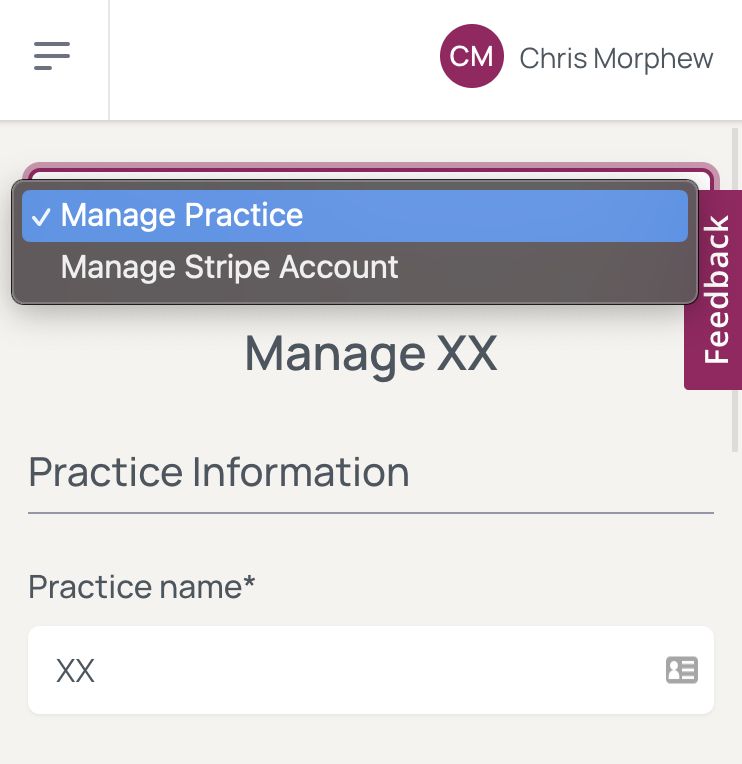
5. Tap the 'Connect My Stripe Account' button below.
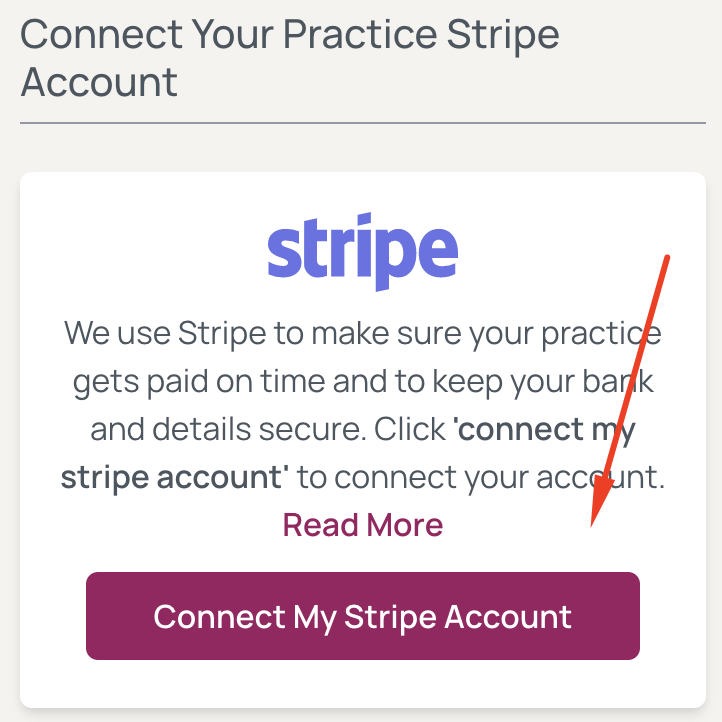
6. Enter your details on the next screen and click 'next'. Follow the on-screen instructions. Please note: if you are using a pre-existing Stripe account please ensure that you enter the same email address.