
- Go to https://video.vethelpdirect.com
- Click 'allow' when the dialogue asks for camera/microphone use
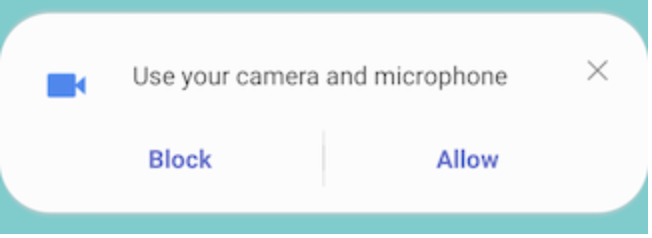
3. Click 'allow' when the dialogue asks for permission to record audio/video (this is controlled by the browser; we don't record the audio or video but this request is automatic).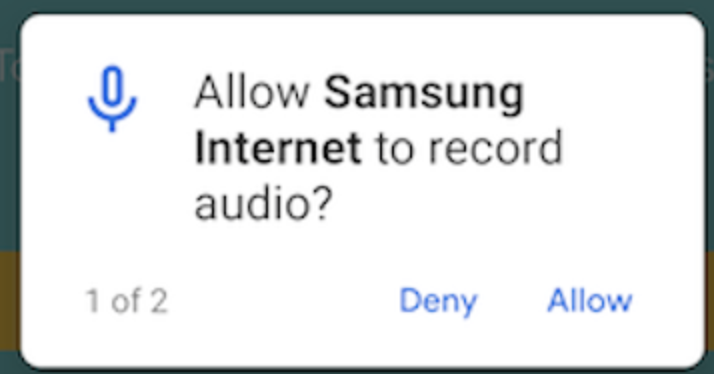
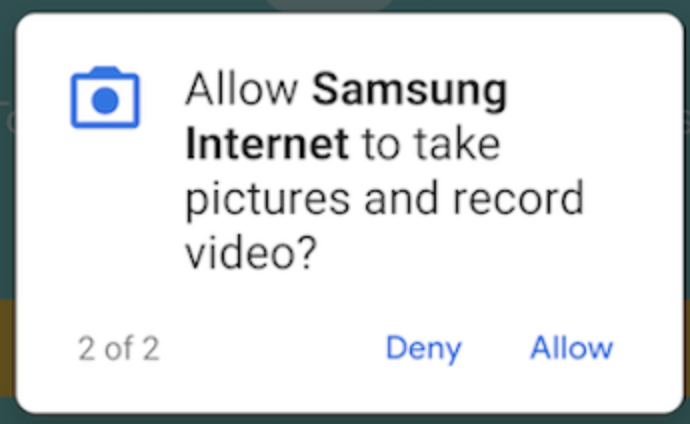
Or, if you need to reset your camera/microphone permissions (i.e. if you accidentally blocked a site) you can do this in your device settings
1. Open settings
2. Click 'apps'
3. Select 'Samsung Internet'
4. Make sure camera/microphone are toggled to 'on' (blue)
These changes will take effect once you refresh the page of Vet Help Direct.