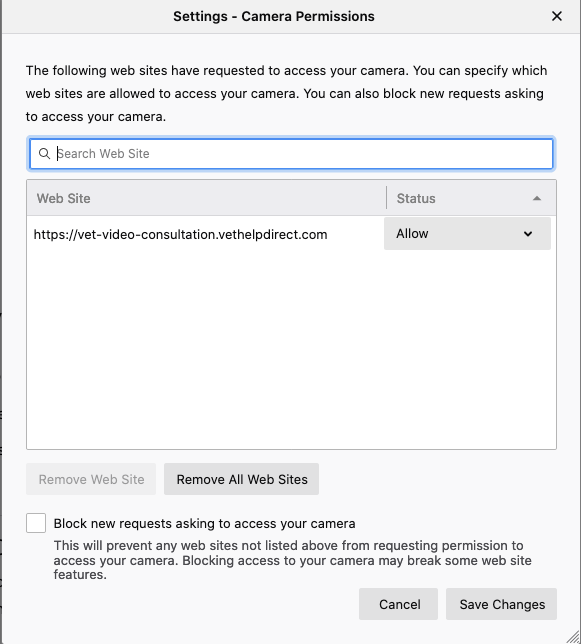
In Firefox you'll be asked for permission to use your camera and microphone everytime you enter a video call on the website, we recommend ticking the 'remember this' box to prevent any issues with denial of permission.
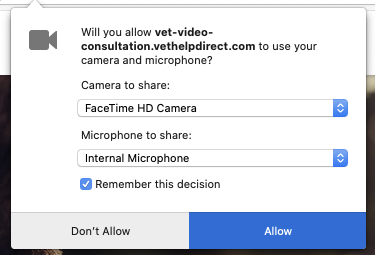
If you're experiencing issues with the site (namely an OT_NOT_SUPPORTED) error this may be because your browser has blocked camera and microphone permissions for the site, you'll need to go into the Firefox settings to unblock this.
1. Select 'firefox' at the top left hand corner of the screen' and click 'preferences' from the dropdown menu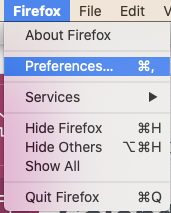
2.Select 'privacy and security' from the preferences menu
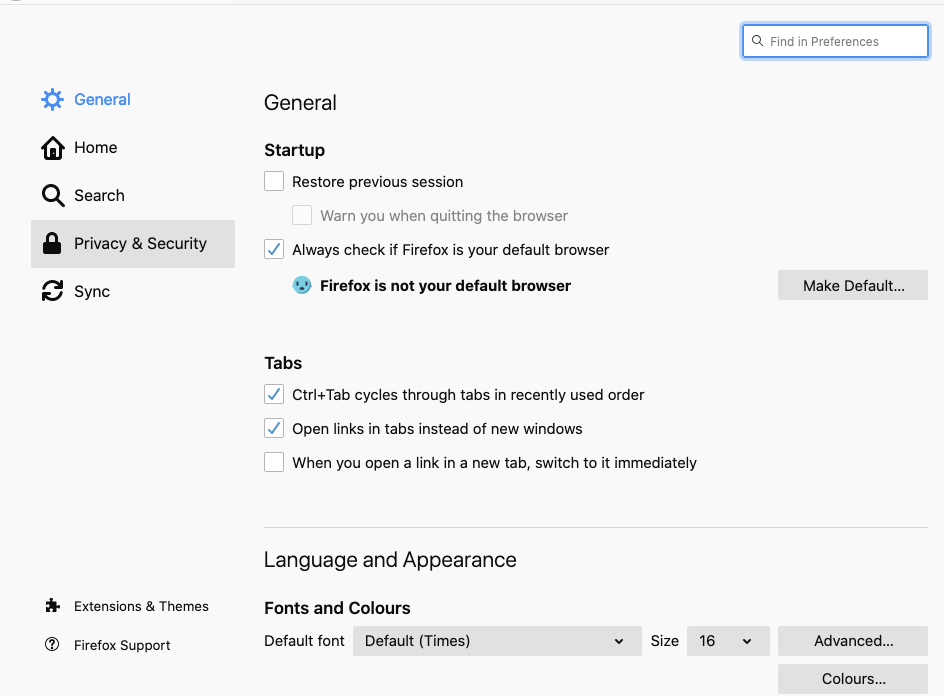
3. Click on 'camera' or 'microphone' under 'permissions'
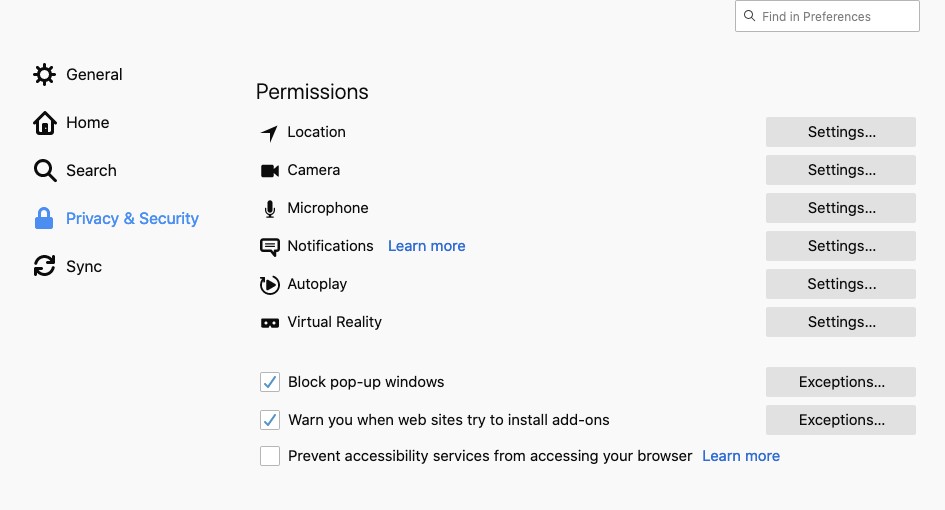
4. Switch the access from 'block' to 'allow'